National Simultaneous Storytime

Tomorrow is National Simultaneous Storytime where students around Australia read/listen to the same book.

The book is Too Many Elephants (shortlisted last year). We have three hard copies if you would like to borrow one to read to your students tomorrow. Alternatively watch the video below or the view book trailer. ALSO, the book is also translated into other languages – including Japanese (perfect!).

Book being read in Japanese

Book Trailer

Too  Many Elephants being read Jane Kennedy (scroll down to the video)

Audio books will be available in the following languages courtesy of SBS Radio.

• Arabic
• Cantonese
• French
 German
 Greek
• Hindi
• Italian
• Japanese
• Mandarin
• Punjabi
• Swahili
 Somali
• Vietnamese

Have fun!

Show me how!

Year 6 have been learning the process to create a presentation using the Show Me app or the Explain Everything app. These are excellent tools that will be useful to help prepare for the Exhibition later this year.See below for the first two students who have submitted their tutorial or presentation.

See the ICLT4ME Student Reviewed Apps for more examples.

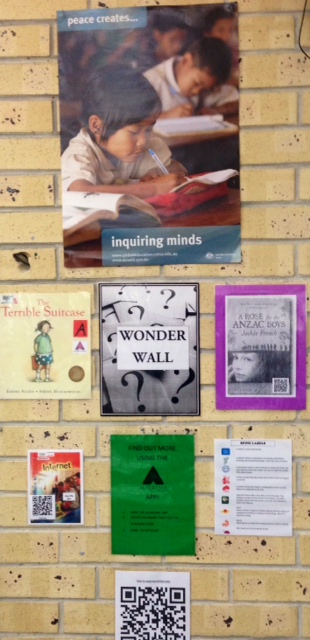
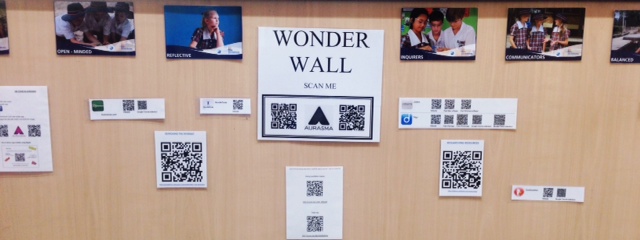
More will be added to our WONDER WALL(s) in the JS Library as the students complete them.

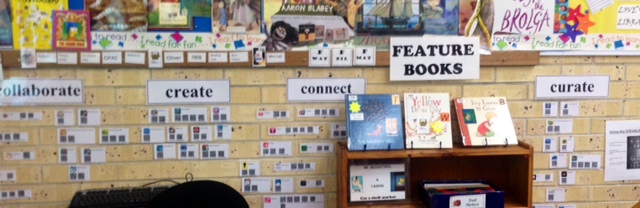
photo 1 photo 2 photo 3

These display spaces in the JS Library are Showcasing student work and reflections, or support resources for the UOIs. They are activated by QR codes and the Aurasma app.

PREZI 


Making connections – Luther and the Cloud-Makers

Who is the cloud-maker?

From Darkness to Light - please read
Creative Commons License Photo Credit: Evan Leeson via Compfight

“Luther and the Cloud Makers”by Kylie Newburn and illustrated by Sarah Nelisiwe Anderson  is a beautifully written and illustrated picture book that is not only a great book to share with younger children but is a perfect example of a resource to support student inquiry into Sharing the Planet.

Read an in-depth review by  the Picture Book Nook.

This book will be one I recommending for the Year 2 Sharing the Planet unit.

View the book trailer below.


#takingaction #courage #integrity #PYP_Literature #postmodern

ICT Mentors’ Explorations, AC and Digital Technologies

Today I had an ICT Mentor meeting with students who have nominated to be involved in this leadership group.

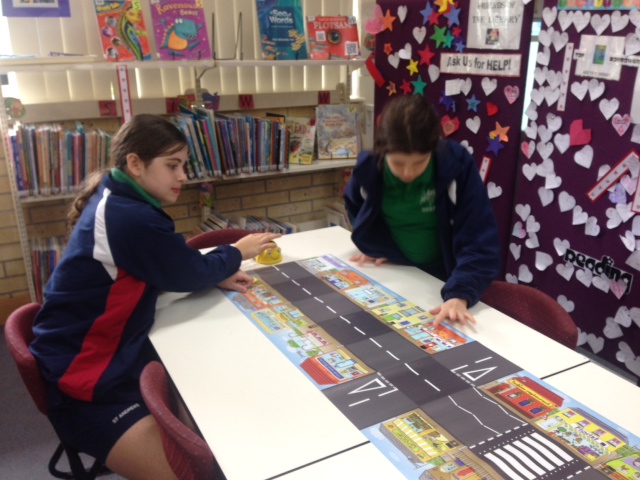
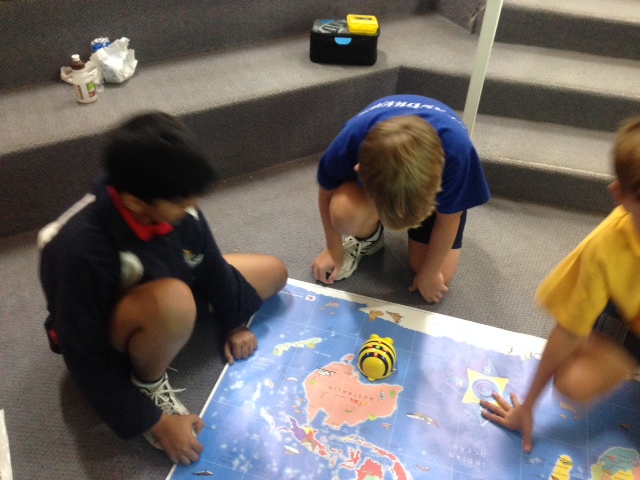
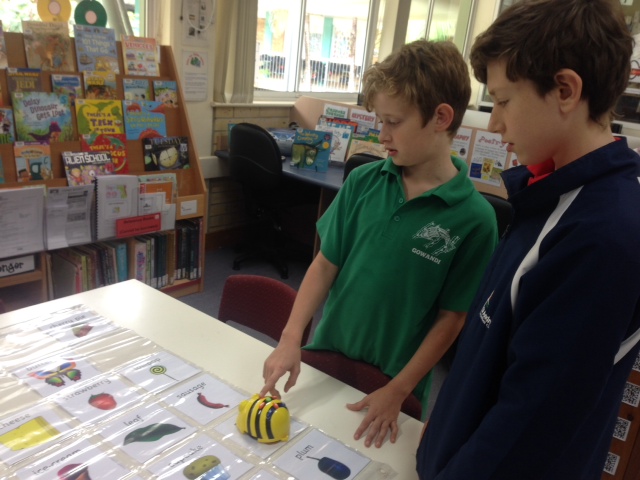
The students have been tasked with the role of introducing Beebots to the students and supporting the younger students inquiry. The students will work in pairs to teach and support the younger students learn about basic programming using the Beebots.

We have purchased a variety of ‘maps’  to support this inquiry, as well as the Beetbots and iPads with the Beebot app.

Street map
BB road map 3


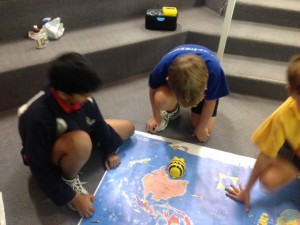
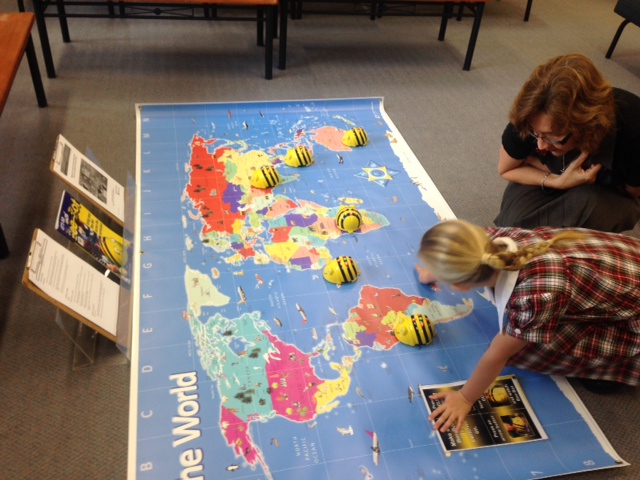
World map

BB world map 2

and we have a ‘blank’ map with 15x 15 size squares. Sparkle Box has many fantastic resources for the blank map.

Later in the term these students will work with the younger students to use the Beebots. One possible approach to conducting these sessions is to connect with a picture book and then use the Beebots as a supporting tool.

1) Students will read the book (or use a video of it being read).

2) Students teach the basics of the Beebots and the commands.

3) Students use the blank map to explore the concepts further.

For example, adapt the ‘I went shopping’ game and  turn it  into ‘One day the Hungry Caterpillar ate _____’.

This photo below has the templates for The Very Hungry Caterpillar by Eric Carle.
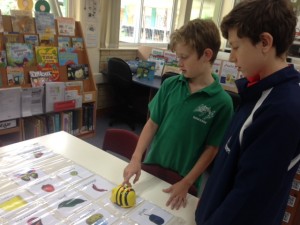
VHC map

Looking forward to this!

Additional note:

These skills and processes not only connect to developing students’ leadership skills, they also support the Learner Profile and Attitudes of the IB Primary Years Programme. From the teacher perspective this will link into many curriculum  areas. Finally, it provides us with ways to introduce the TECHNOLOGIES curriculum (for Digital Technologies) to students and staff before implementation in 2014.

Specific to the Digital Technologies curriculum

Digital Technologies processes and production skills

Foundation to Year 2 Content Descriptions

Follow, describe and represent a sequence of steps and decisions (algorithms) needed to solve simple problems (ACTDIP004)

Year 3 and 4 Content Descriptions

Define simple problems, and describe and follow a sequence of steps and decisions (algorithms) needed to solve them (ACTDIP010)


Want to have a play?

Bee Bots supporting inquiry

We have spent some of our reward points from Scholastic Book Fairs and we have purchased some Bee Bots. Bee Bots are some programmable robots that are excellent to use across the curriculum (lower primary). These are hassle free ICT tools for supporting the Technologies curriculum as well.

In the JS Staffroom we have the Bee Bots on a world map ready for your explorations. We have ordered more maps – just waiting on delivery!

Bee Bots in action

See this blog post Beebots Downunder for some ideas about how these are being used in classes.

Great for literacy, maths, problem solving and geography! (Perfect for mapping UOI Year 2/3).

Name our beebots

We have six Bee Bots and they need names!

Please come and have a play with your class and suggest a name (and reason why).

Beebots (2)


Post your responses below.


Exploring Refugees through picture books

Teaching about refugees

The use of the picture book can be underrated as a resource once students are beyond Year 2 or 3. In my mind picture books are useful as teaching and learning tools even in Secondary School and beyond.

Currently Year 6 students are inquiring into the life of  refugees.

The following resource is designed around picture books suitable for this inquiry and age group.

Picture Book Evaluation

The Picture Book evaluation page has been structured for students to consider the purpose of the book and to try and consider from the perspective of the refugee.

The students examine each picture book for the following elements.

Who are the main characters? Why are they leaving their country?What tells you this in the story? What events forcedeach individual toflee their homeland? Consider the linguistic features – imagery, emotive language, personification, symbols, exaggeration, puns and sarcasm.

This simple resource sheet is one way to analyse a picture book.

This PPT file explains how to analyse a picture book.

Teacher Resources

Teaching about refugees and migration through picture books

Global Education wiki

Resource Kit – Refugee 

Useful resources – Refugee Council

Picture Book list

Screencasting in Literacy Rotations

Year 6 students will be exploring two apps that are sometimes known as Screencasting apps.

See Kathy Schrock’s Guide to Screencasting here and an iTunesU screencasting collection.

Students will consider the features of the apps and select one to create a demonstration video on a topic of their choosing. We will then share these with other students using Augmented Reality and add to a tutorial wall with student recommended apps.

The two apps we have identified are ShowMe and Explain Everything. There are many more that you could use to create a similar result. Both apps allow you to annotate, animate, and narrate a presentation.

See this guide for Teaching and recording a process using an iPad (@iPadWells).

Before students actually create their tutorial they need to plan their presentation using a story board.


Read this post before you start Steps in Creation.


ShowMe App Tutorials

Explore the ShowMe community to learn from others.

ShowMe PDF

Explain Everything App Tutorials

Explain Everything PDF 

Excellent tutorials and resources are  also available at the STiLT website  (see a few links below):

Navigating the home screen
Building your project
Recording narration
Exporting and saving your project


These resources are also available on the Year 6 Literacy Rotations page in Moodle.